The Sylacor care library

Answers before accessories.

Generation checks, fit help, installation, care, and buying guidance written to reduce avoidable returns and make after-sales support easier.

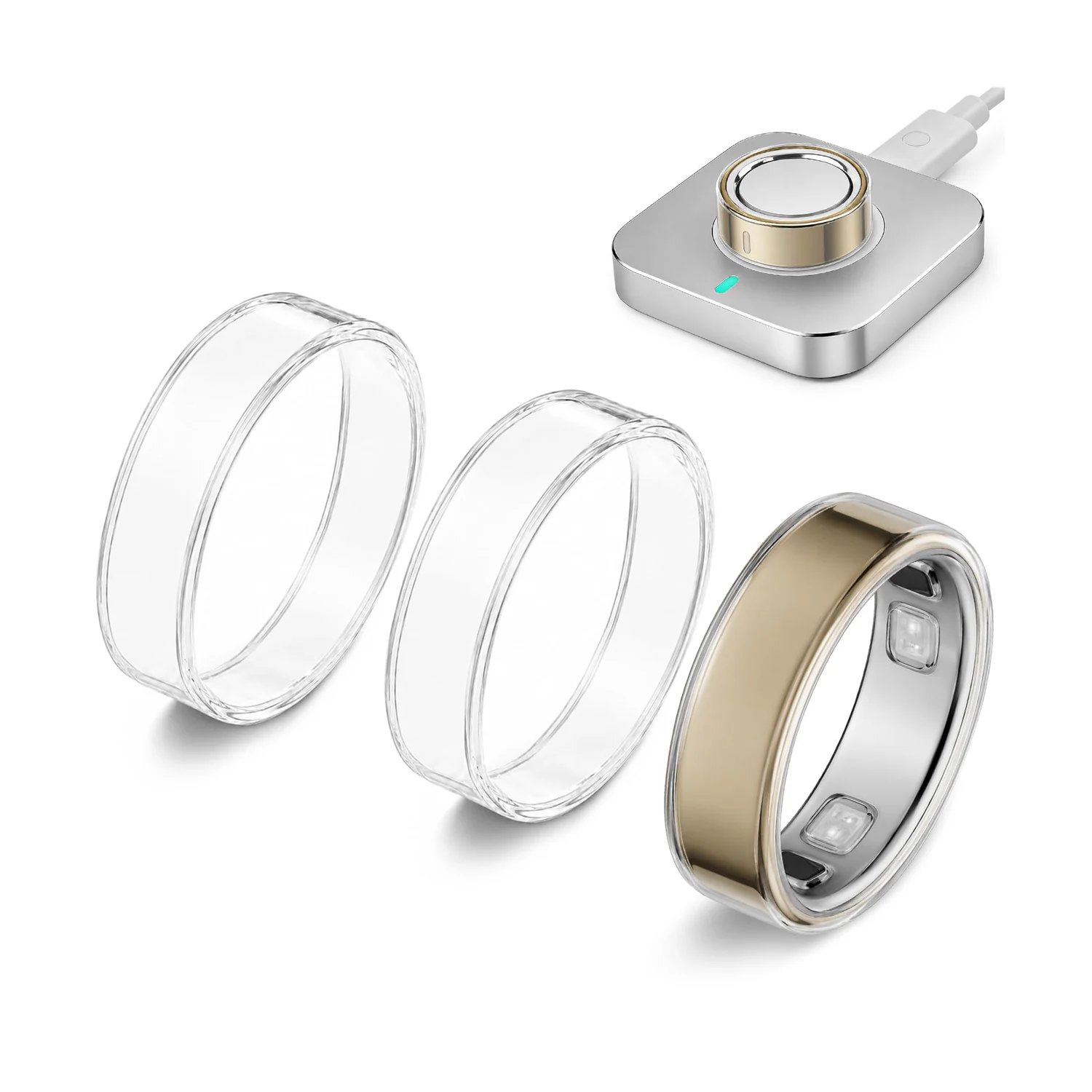
Three clear Sylacor TPU covers beside a covered gold Oura Ring 5 and its charger

Installation guide · 6 min read

How to Install an Oura Ring 5 Clear Cover Without Overstretching It

First confirm that the ring and cover are the same Oura Ring 5 size. With the ring off your hand and both surfaces clean and dry, hook one cover edge over the ring and work around evenly with your fingertips. Never pull hard from one point or use a tool. Stop if the cover wrinkles, spins, distorts, or needs force—recheck the generation and size instead of stretching farther.

Read the guide →

Evergreen support

Choose the question you need answered.

Product guide · 7 min read

A Clearer Way to Protect Your Oura Ring 5

Choose this three-pack only for Oura Ring 5 and match the cover to your exact ring size. Its clear 0.5mm TPU profile is designed for a low-visibility scratch barrier, not damage-proof armor.

Updated 2026-07-30Read guide →

Compatibility · 6 min read

Sylacor Oura Ring Compatibility Guide

Start with the generation shown in the Oura app, then match the exact ring size or Amazon fit group. Oura Ring 5 accessories are not interchangeable with Ring 4 or Gen3, and products that do not explicitly name Ring 4 Ceramic should not be assumed to fit it.

Updated 2026-07-30Read guide →

Fit guide · 5 min read

Find Your Oura Ring Generation and Size Before Ordering

Open the Oura app’s My Devices screen and write down both the ring generation and size before opening Amazon. For close-fitting TPU covers, film, jackets, and selected stacking bands, choose the exact size; for flexible silicone or grouped film, choose the Amazon fit group that explicitly contains it.

Updated 2026-07-30Read guide →

Need order-specific help?

Start with your Amazon order.

The order page preserves the exact ASIN, variation, seller, and delivery details needed to troubleshoot a purchase.

Open support steps →